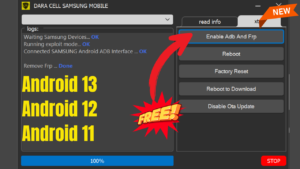
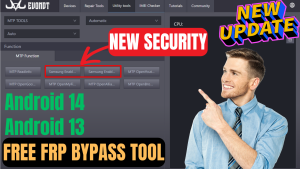
Pi Unlocker Samsung Repair Tool is the software created for windows to repair Samsung Devices.This tool Provide FRP Bypass Service With One Click.This frp bypass tool provide solutions of frp locked samsung devices running android 13\12\11 with one click.You Can also flash samsung devices to resolve issues related to software.
Tool Features
- MTP Read Info
- MTP Enable ADB Server
- Factory Reset (MTP)
- Remove FRP
- ADB Read Info
- Driver Installer Browser Method
- Bypass Browser
- Md5 Flash
How To Use Pi Unlocker Samsung Repair Tool:
- First Download the zip file from Below Link.
- Unzip/Extract the zip file with password : sbmobilelab
- Disable the Antivirus if you have one.
- Open the destination folder.
- Run the Setup.
- Click Login then click Offline Login.
- Copy Hardware id.
- Paste Hardware id in Keygen Tool and Generate Key.
- Past That Key in the Tool.
- Click Login.
- Install all Required Drivers and Connect the phone.
- Enjoy..!!
How To Remove FRP In Test Mode:
- Download Pi Unlocker Samsung Repair Tool.
- Install Samsung USB Driver.
- Extract and Install Tool.
- Open Tool.
- Connect Mobile With Pc By Cable.
- Go To Emergency Call and Dial Code. (*#0*#)
- Click MTP Enable ADB.
- Click Allow ADB On The Phone.
- Click Remove FRP.
- Remove FRP Done.
File Information
File Name: Pi Unlocker Samsung Repair Tool
Type: .rar
Compatible: Window XP, Window 7, Window 8/8.1, Window 10, Window 11
Password Winrar: sbmobilelab
Tags: pi unlocker samsung repair tool, samsung frp bypass tool, how to download and install pi unlocker samsung repair tool, samsung frp bypass android 14/13/12/10/9 one click, new update android 13/14 fix failed to enable adb by test mode, mtk,spd and qualcomm models remove frp lock